


MailPilotAI email agent · by SuperMIA

000%

reading your inbox…learning your voice…drafting the reply…sealing it…ready. delivered.

New draft · written by MailPilot, in your voice

ToMaya ChenProduct Lead · Northstar

Every email answered. Every follow-up sent.

MailPilot reads every email, drafts the reply the way you would write it, runs your follow-ups and tells you before an important relationship goes cold. Nothing leaves without your say.

Works withGmailGoogle WorkspaceOutlookOffice 365

The problem

Email quietly takes a third of your working day.

Not in one block, but in small interruptions from the first coffee to the last train home. Here is the same Tuesday, twice.

A professional still at their desk at 6:40 pm, working through email

Tuesday · without MailPilot

6:40 pm

3.1hrson email, in seven interruptions

The same professional leaving the office at 5:45 pm, coffee in hand

Tuesday · with MailPilot

5:45 pm

1reviewthen the rest of the day is yours

Deep workLunchClient callsStrategy

Watch it work

See MailPilot handle an email in 20 seconds.

One email in, one reply out, in your voice. Then a follow-up, scheduled. You stay in control the whole way.

Try it on your inbox
MailPilot · Priority inboxSample scenario

Select an email to start

Launch notes: can you review before Thursday?

Maya Chen Hi! Attaching the launch notes. Could you review the final copy before Thursday? Also, are we still on for the partner call, and who owns the pricing slide?

MailPilot is reading the thread…
Review copy by Thursday Partner call: still on? Who owns pricing slide

Drafted in your voice

3/3 questions answered Approve & send

PersonaExecutive96%

Formality86

Warmth48

Brevity72

“Hi Maya,” … “Best, Alex”

Sent from alex@yourco.comFrom your own address, as you
0:00 / 0:24

Features

Five folders. One calm inbox.

Everything MailPilot does, filed where you'd expect it, with the real thing at work inside each folder.

keep scrolling to flip through the folders ↓pick any tab to pull out a folder

Folder 01 / 05

Replies that sound like you wrote them

Set up your Persona once: formality, greetings, sign-offs, sentence rhythm and the phrases you always reach for. Every draft is written against it, so reviewing is a glance, not a rewrite.

inside this folder:

  • Persona built once, from your own emails
  • Executive, warm or concise on demand
  • Your greetings, sign-offs and phrases
A woman reading a printed letter in an armchair by the window
writing in my voice
Reply to Maya Chen 96% match

Hi Maya, thank you for pulling this together. It reads beautifully already. I'll take a careful pass and have edits back to you by Thursday afternoon. Yes, still on for the partner call! Jon's got the pricing slide, I've looped him in. Talk soon, Alex

45 words Waiting for your review

Reads like I wrote it!

How it works

Four steps. Under twenty minutes.

From sign-up to your first drafted reply in a single sitting. Nothing to install, nothing to migrate.

  1. 01

    Set up your Persona

    10 to 15 min · once

    Describe how you write or paste a few sample emails. MailPilot learns your formality, greetings, sign-offs and the phrases you always reach for.

    • Describe your style in plain words
    • Or paste a few sample emails
    • Fine-tune the tone any time
  2. 02

    Connect your inbox

    2 to 3 min

    Link Gmail or Outlook. MailPilot reads your existing history to build relationship data, with no spreadsheets and no manual CRM entry.

    • Gmail & Google Workspace
    • Outlook & Office 365
    • Two-way sync from your own address
  3. 03

    MailPilot manages

    Automatic

    In the background it drafts replies, runs follow-up sequences and tracks the health of every relationship, while you do the work only you can do.

    • Replies drafted as email arrives
    • Follow-ups scheduled and personalised
    • Cooling contacts flagged early
  4. 04

    Review & send

    Your review time

    Approve drafts and follow-ups, glance at your performance overview and hit send. Every email goes from your own address.

    • One click to approve, or edit first
    • Draft or semi-automatic mode
    • Pause any contact or thread

Who it's for

Built for people whose inbox is the job.

If your pipeline, your clients or your company run through email, MailPilot was built for you.

A smiling sales professional in a denim jacket on a busy sales floor
01

Sales professionals

ToSDRs · AEs · Account managers · BDs

“Your pipeline lives in the inbox. One slow reply and a warm prospect goes cold.”

What MailPilot does for you

  • Follow-ups that fire on schedule, every time
  • Outreach and reply drafts that sound like you
  • More hours for calls and demos

Best,MailPilot

An executive in an ivory blazer in a corner office at dusk
02

Executives & founders

ToCEOs · Founders · Partners · Directors

“Your time is the most expensive in the company, and the inbox quietly eats about three hours of it a day.”

What MailPilot does for you

  • Replies drafted before you open the thread
  • Follow-ups managed without a reminder
  • Only what truly needs you rises to the top

Best,MailPilot

A consultant holding a coffee mug in a sunlit home studio
03

Consultants & freelancers

ToConsultants · Agencies · Client services

“Client relationships are the business. Neglect a high-value client by accident and the next project goes elsewhere.”

What MailPilot does for you

  • Every client relationship tracked and scored
  • Polished, professional client drafts
  • Proposals and follow-ups that never slip

Best,MailPilot

You're in control

Nothing leaves without your seal.

MailPilot prepares everything. You decide what goes out. Try it: pick up the seal and press it on the letter.

To Maya ChenRe: Launch notesReply

Hi Maya, edits back by Thursday at 2pm, priority items first. The partner call stands, and Jon owns the pricing slide; I've copied him.

Best, Alex

seal here

Approved · sending from alex@yourco.com

Every email waits for your seal. Nothing sends until you approve it.

  • Sent from your addressNever a bot account.
  • User-scoped dataIsolated to your account.
  • Two-way syncGmail and Outlook stay in step.
  • Pause anythingPer contact or per thread.

Brochure · 8 pages

Take MailPilot to your team.

Scroll to turn the pages. Read it here, print it, or hand it to your boss, your team or your clients. No sign-up needed.

PDF · 8 pages · 5.5 MB · free to share

That's the whole story

Pass it on with love.

Download PDF
Brochure page 1: Your AI co-pilot for every inbox
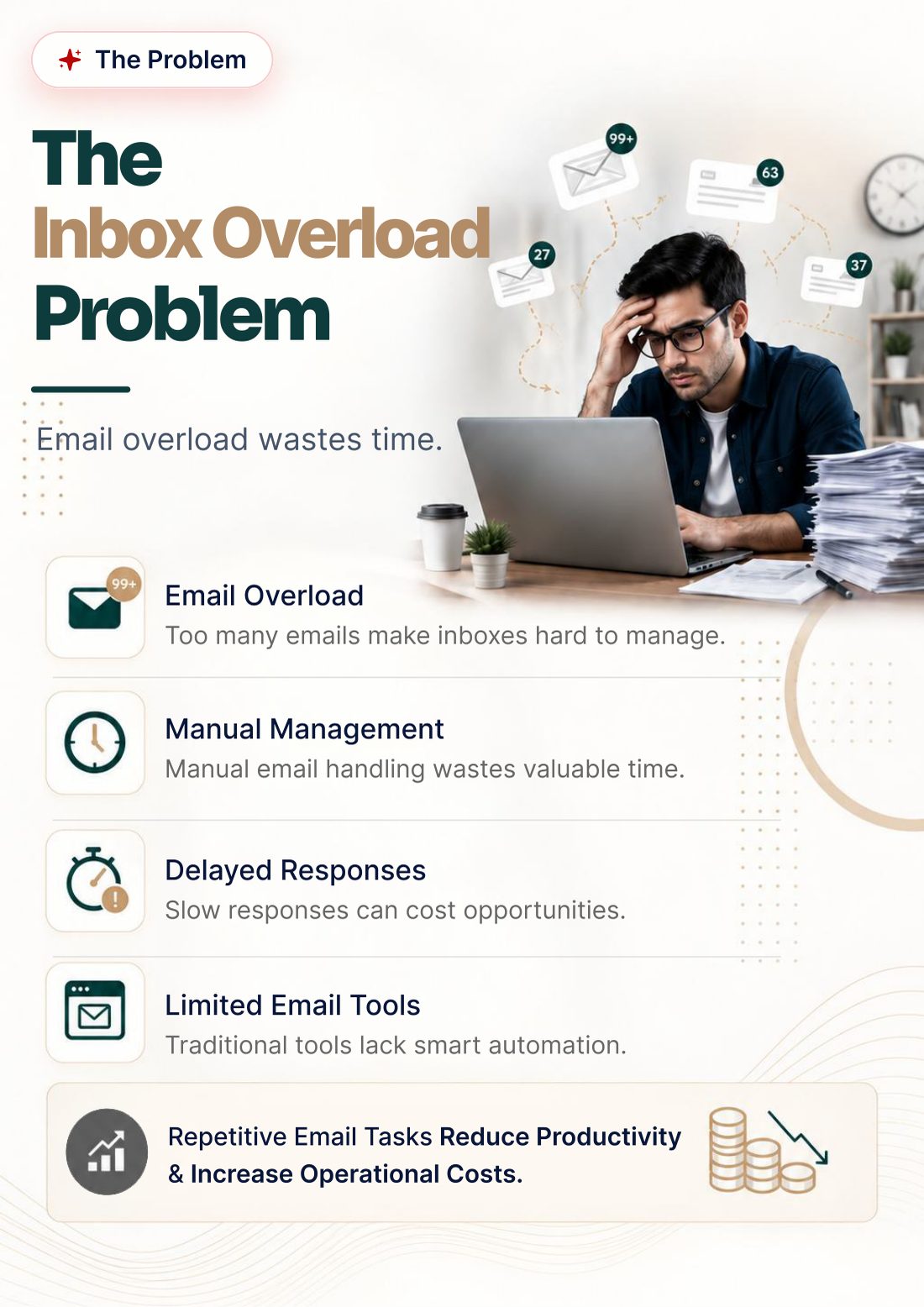
Brochure page 2: The inbox overload problem
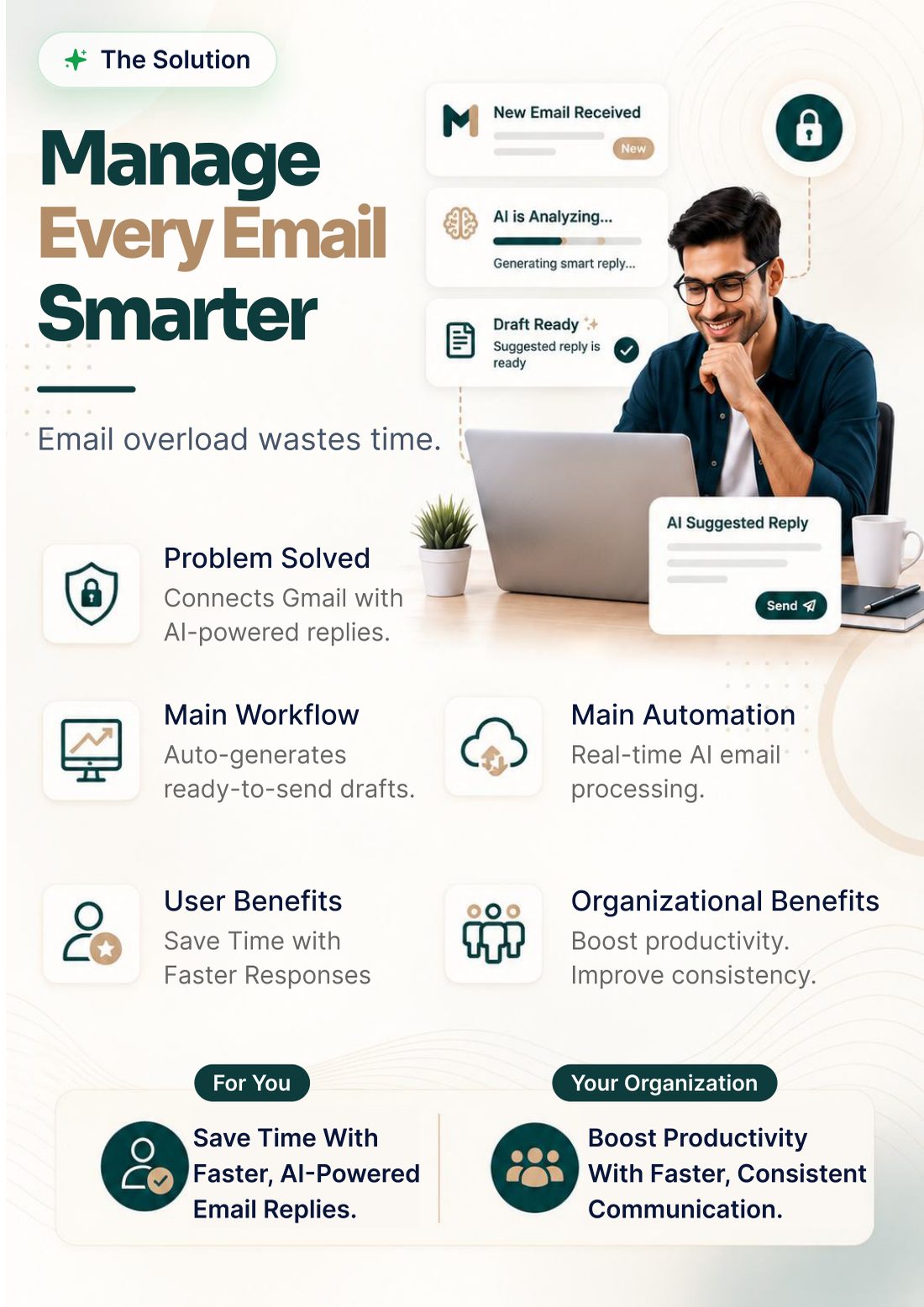
Brochure page 3: Manage every email smarter
Brochure page 4: About MailPilot
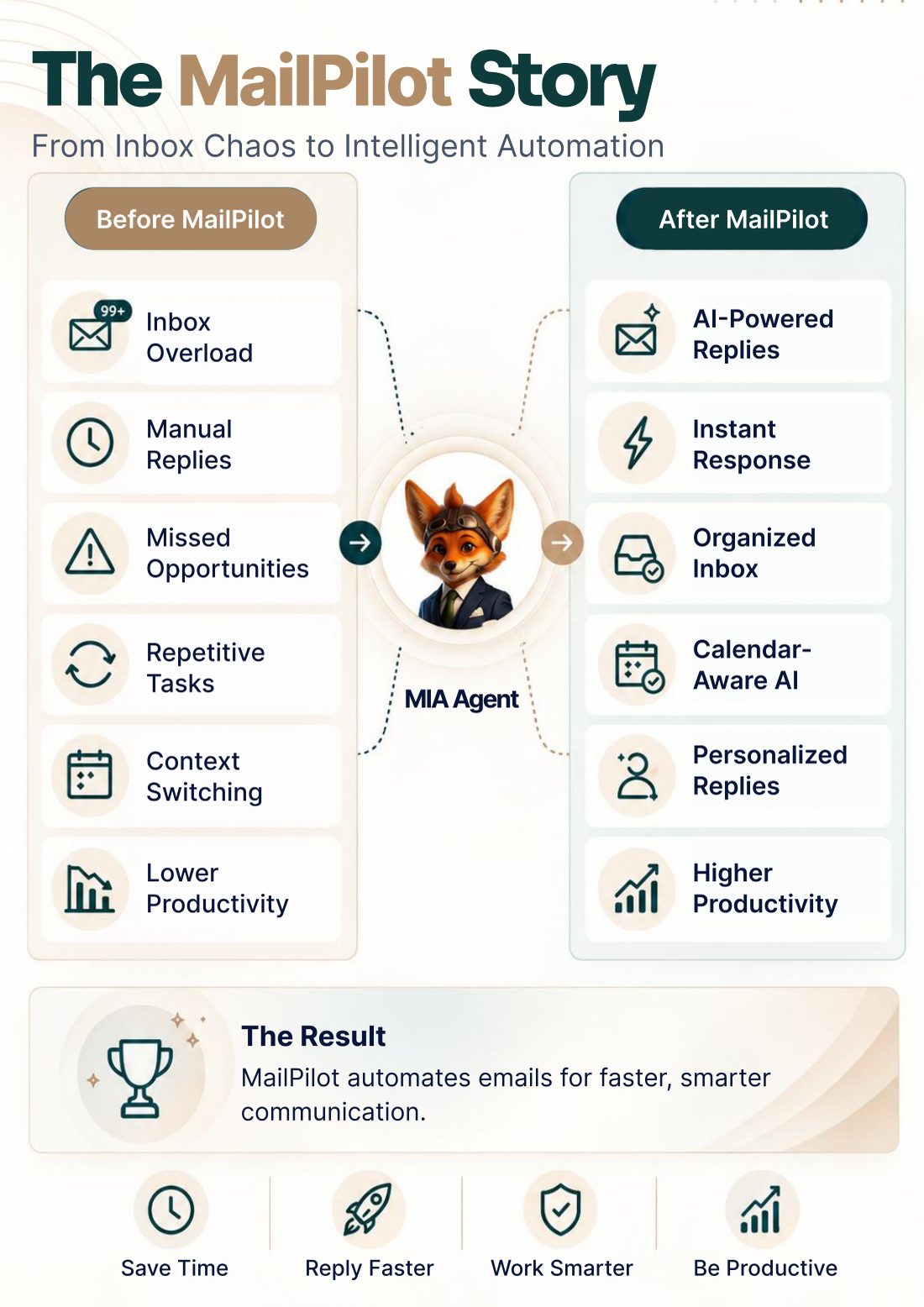
Brochure page 5: The MailPilot story: from chaos to automation
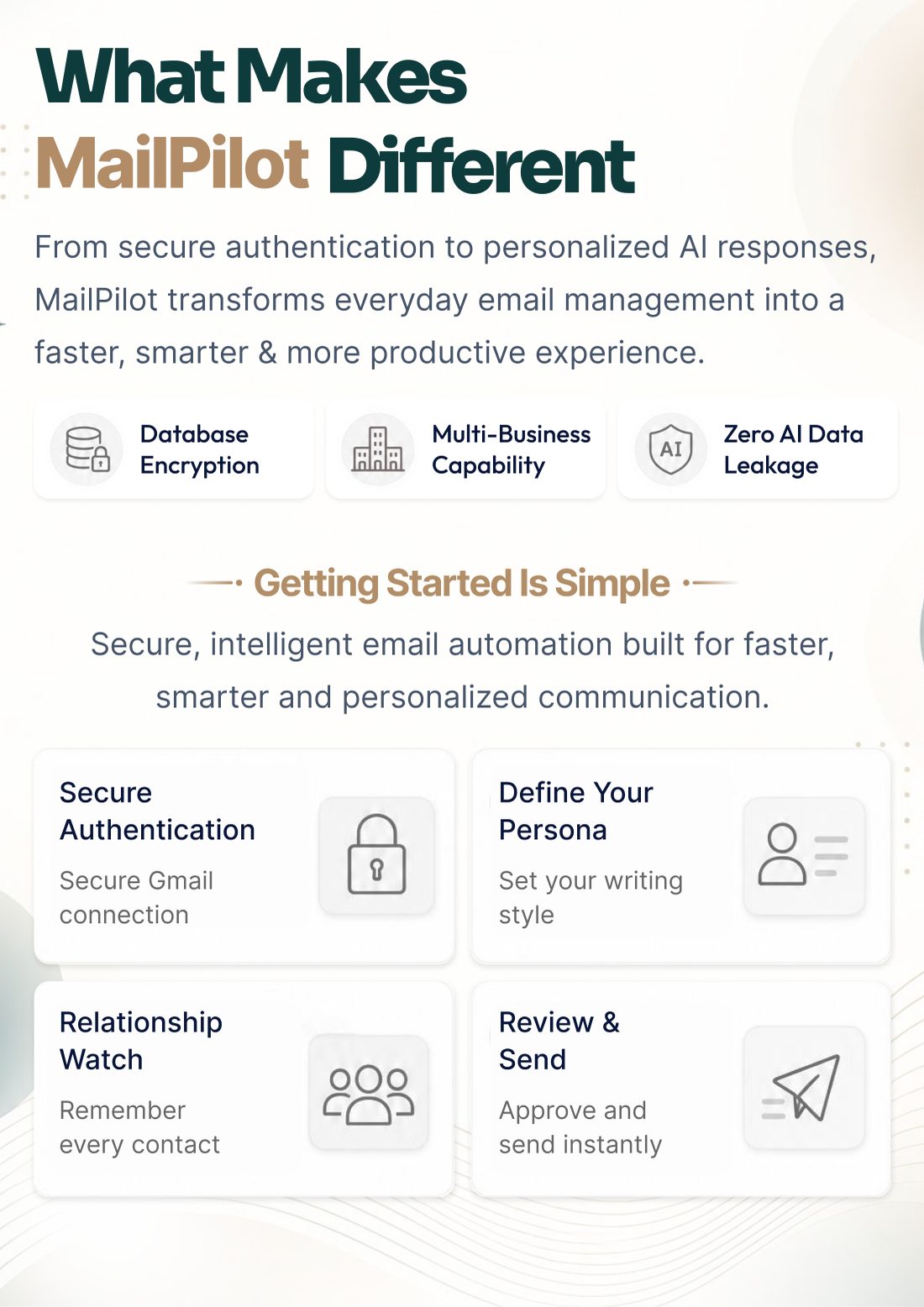
Brochure page 6: What makes MailPilot different
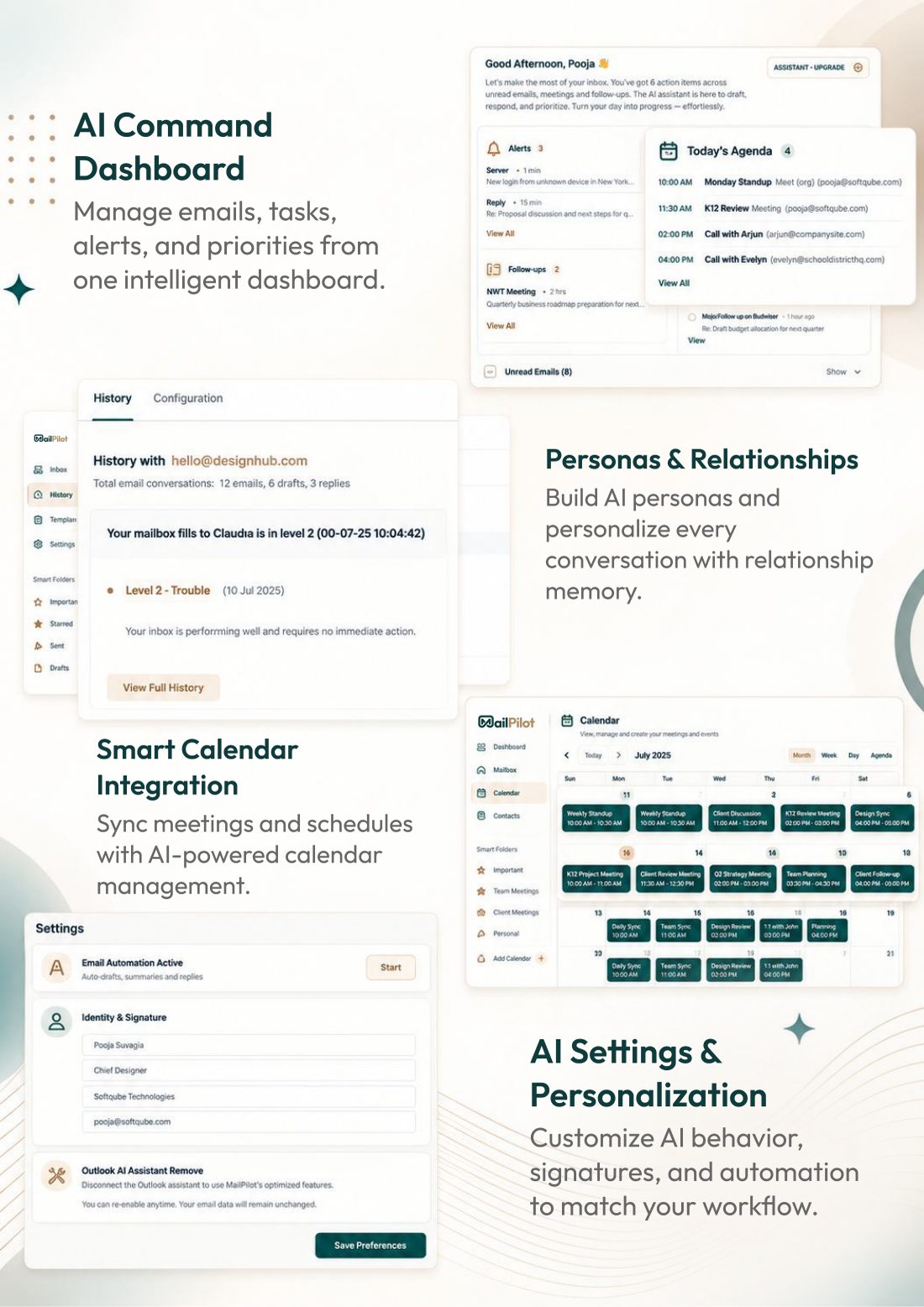
Brochure page 7: The AI command dashboard
Brochure page 8: Spend less time managing email

Cover

Questions

Before you sign off.

Honest answers to what people ask before they hand an AI the keys to their inbox.

Start freeStill curious? Book a demo →
  1. MailPilot is an AI email assistant for Gmail and Outlook. If you spend more than 90 minutes a day on email, struggle to follow up consistently, or want every email you send to be sharper, MailPilot is built for you. It is especially valuable for sales teams, executives, consultants and anyone maintaining a large professional network.

  2. Through a one-time Persona setup. You describe your style or paste sample emails, and MailPilot captures your formality, greetings and sign-offs, sentence length, tone and recurring phrases. Every draft is written against that Persona.

  3. Sent and received volume, average response time, reply rate, unanswered emails and how long they have waited, your top contacts, relationship scores and activity trends, all in one view.

  4. MailPilot builds a profile for every contact from your existing email: communication history, frequency, last interaction, pending follow-ups and notes. A relationship score based on recency, frequency and response rate flags contacts that are cooling, with no separate data entry.

  5. If a reply doesn't arrive within the window you set, MailPilot schedules a follow-up draft personalised from the original email and your Persona. You can approve each one or let them send automatically. Per-contact frequency limits keep it from ever feeling pushy.

  6. All of it. In Draft mode nothing sends without your approval. In Semi-automatic mode follow-ups send on their own while reply drafts still wait for you. You can add instructions per email or per contact, and pause automation for any contact or thread.

  7. Gmail (Google Workspace and personal) and Outlook (Office 365 and Outlook.com), with two-way sync. Emails always send from your own address. More platforms are on the roadmap. Book a demo to confirm support for your environment.

  8. MailPilot uses 200 credits per month through the SuperMIA Agent Marketplace. New accounts receive free starter credits, so you can start without a credit card. Team and volume pricing is available on request.

Your next step

Stop managing your inbox. Start managing your work.

Every reply drafted in your voice. Every important relationship kept warm. Not one follow-up dropped. Your Persona takes about fifteen minutes to set up.

Rather talk it through? Book a team demo
200credits / mo

MailPilot · AI email agent · first class

Send · Start free

Free starter credits · No credit card